Resume Template
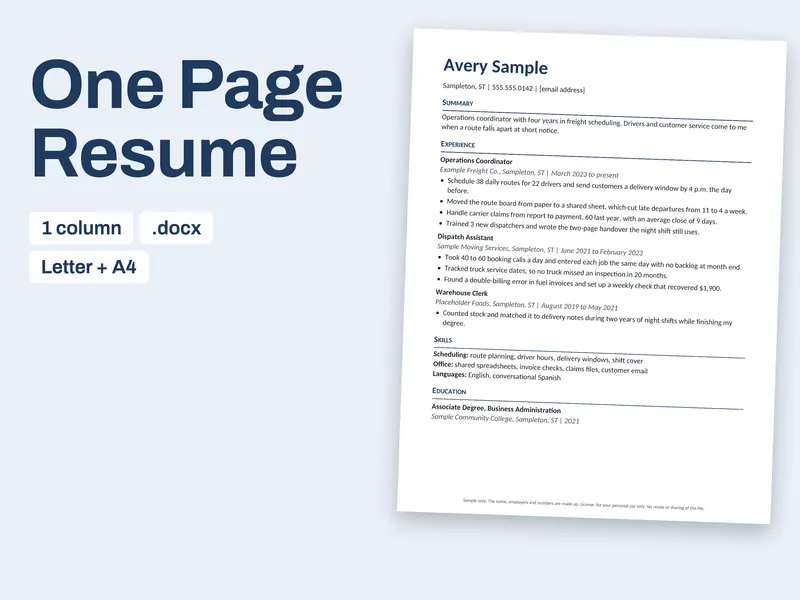
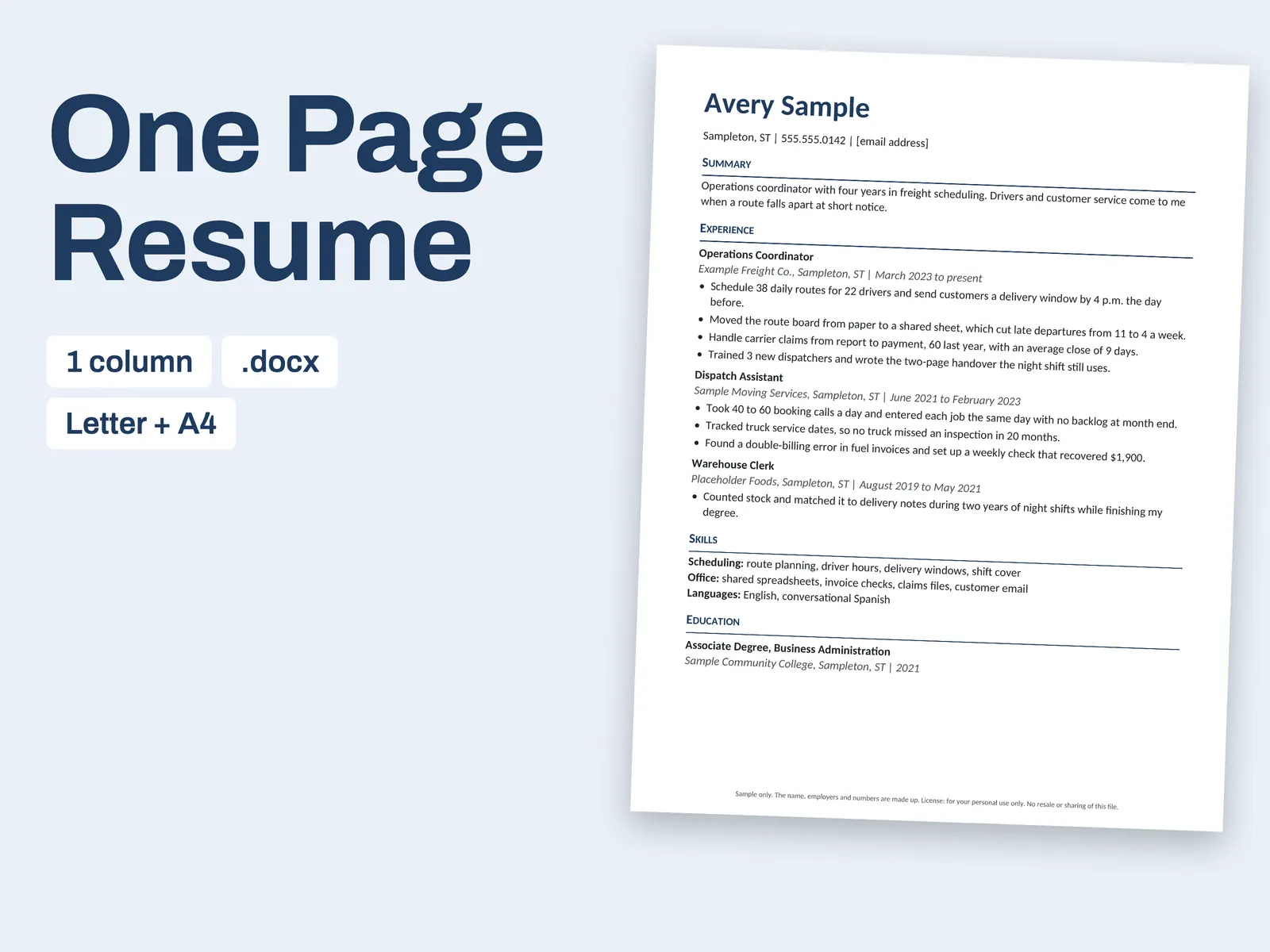
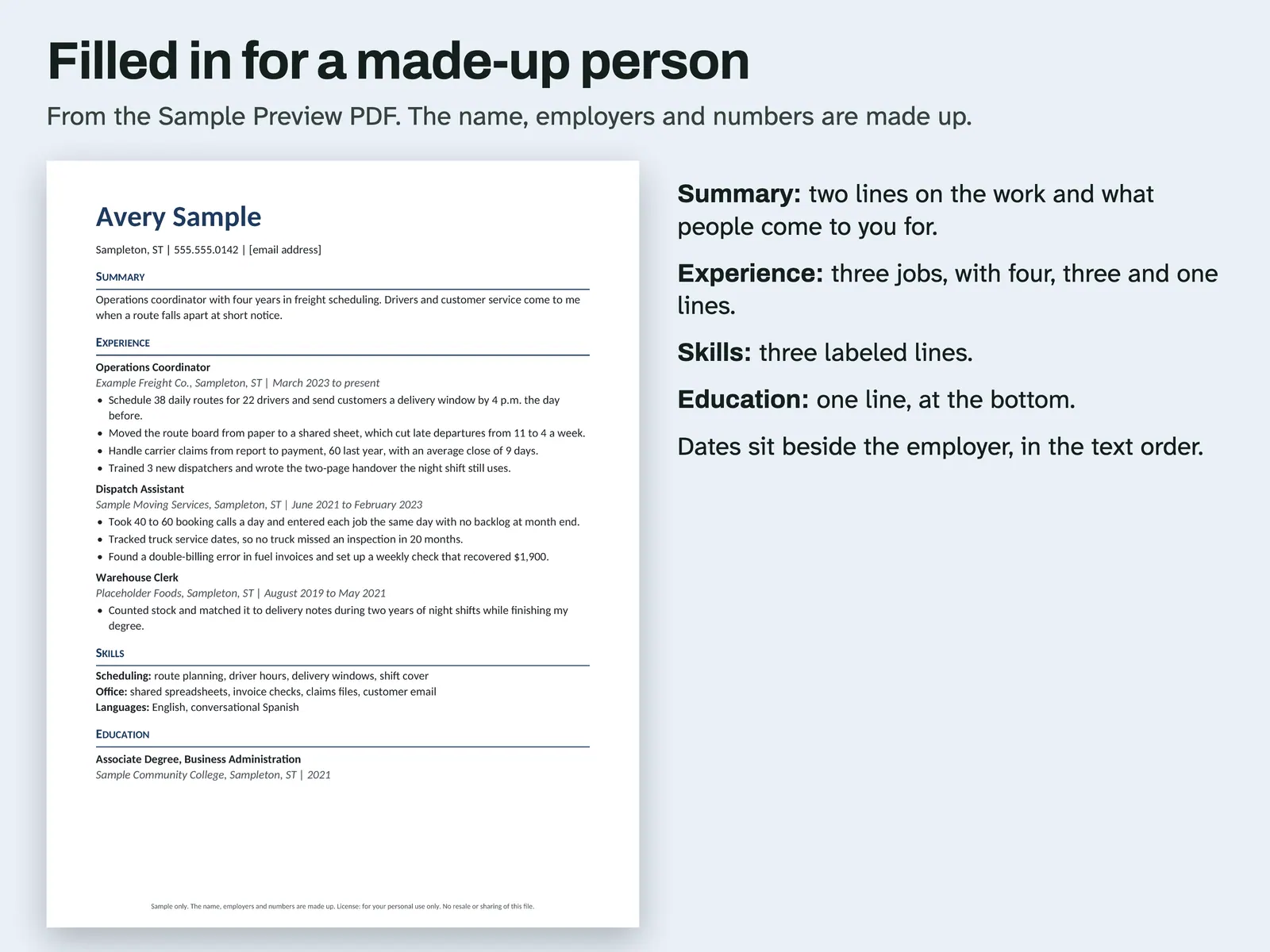
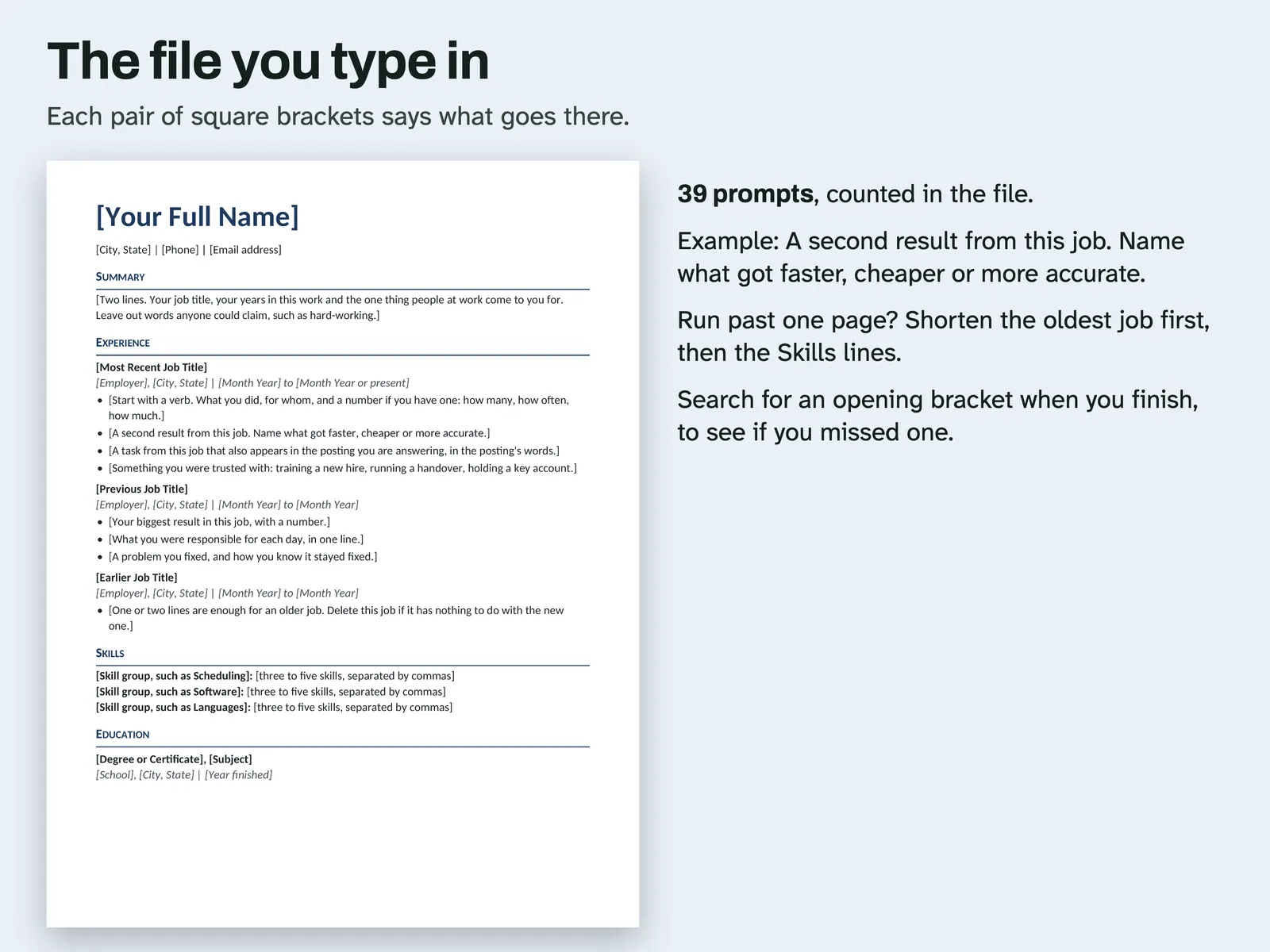
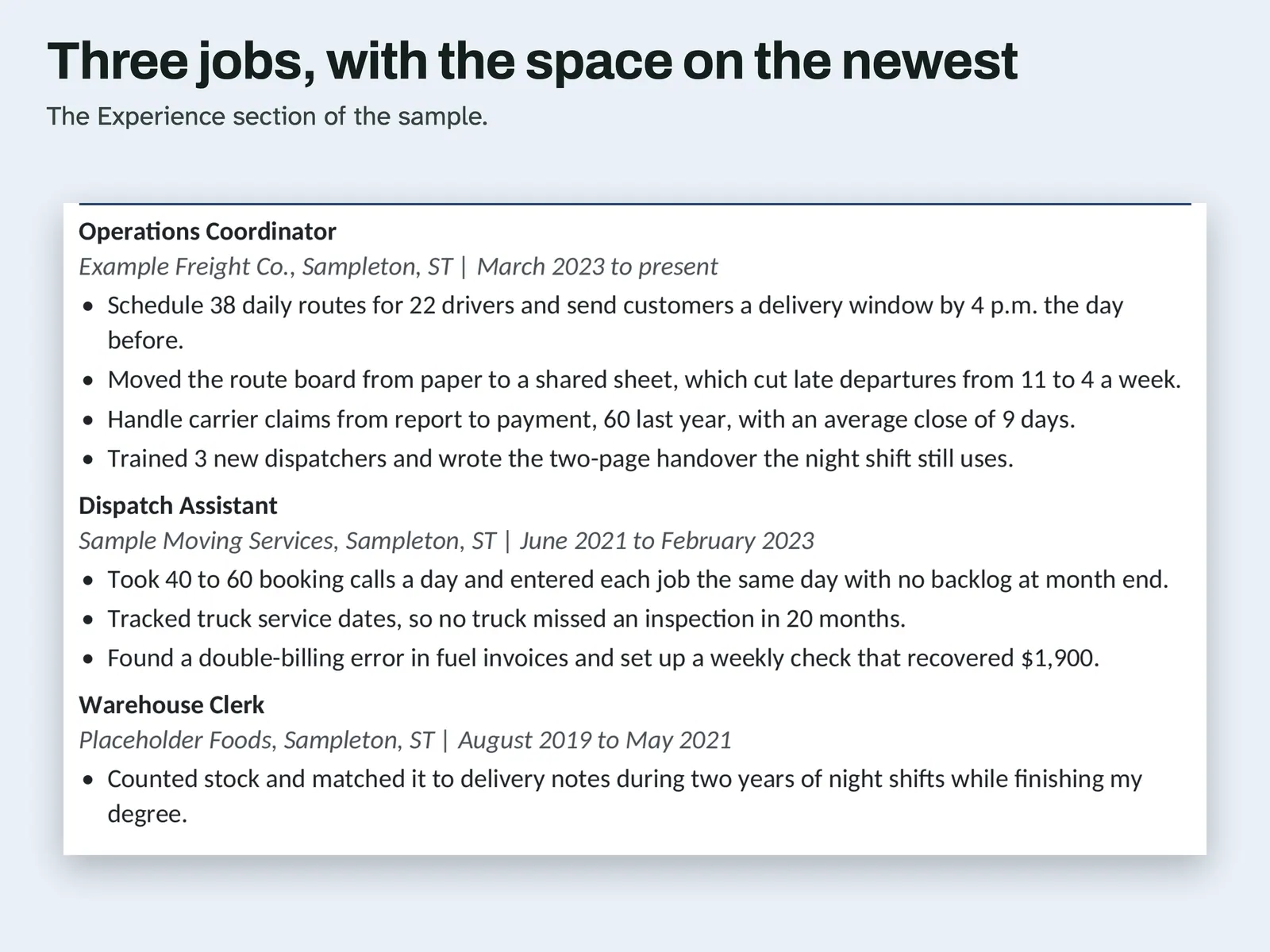
Pick this one if you have held a few jobs and want them on a single page without fuss. You fill in a name line, then Summary, Experience, Skills and Education. The newest job gets four bullet lines, the next gets three and the oldest gets one, so your space follows your strongest proof. Each date sits next to its employer, because in an earlier build a text reader pushed a right-hand date column below the bullets. Square-bracket prompts, 39 of them, tell you what to type, such as a second result with something faster, cheaper or more accurate. A made-up operations coordinator fills the sample PDF. You get Letter and A4 .docx files. No applicant tracking system was tested.
From our listing records. Etsy shows the current price and your local currency at checkout.
Buy on EtsyIn Word for Mac and LibreOffice each file stayed on one page and the text order matched. Longer text was not typed. Google Docs, Pages and ATS not tried.
Instant download from Etsy · nothing shipped
What's included
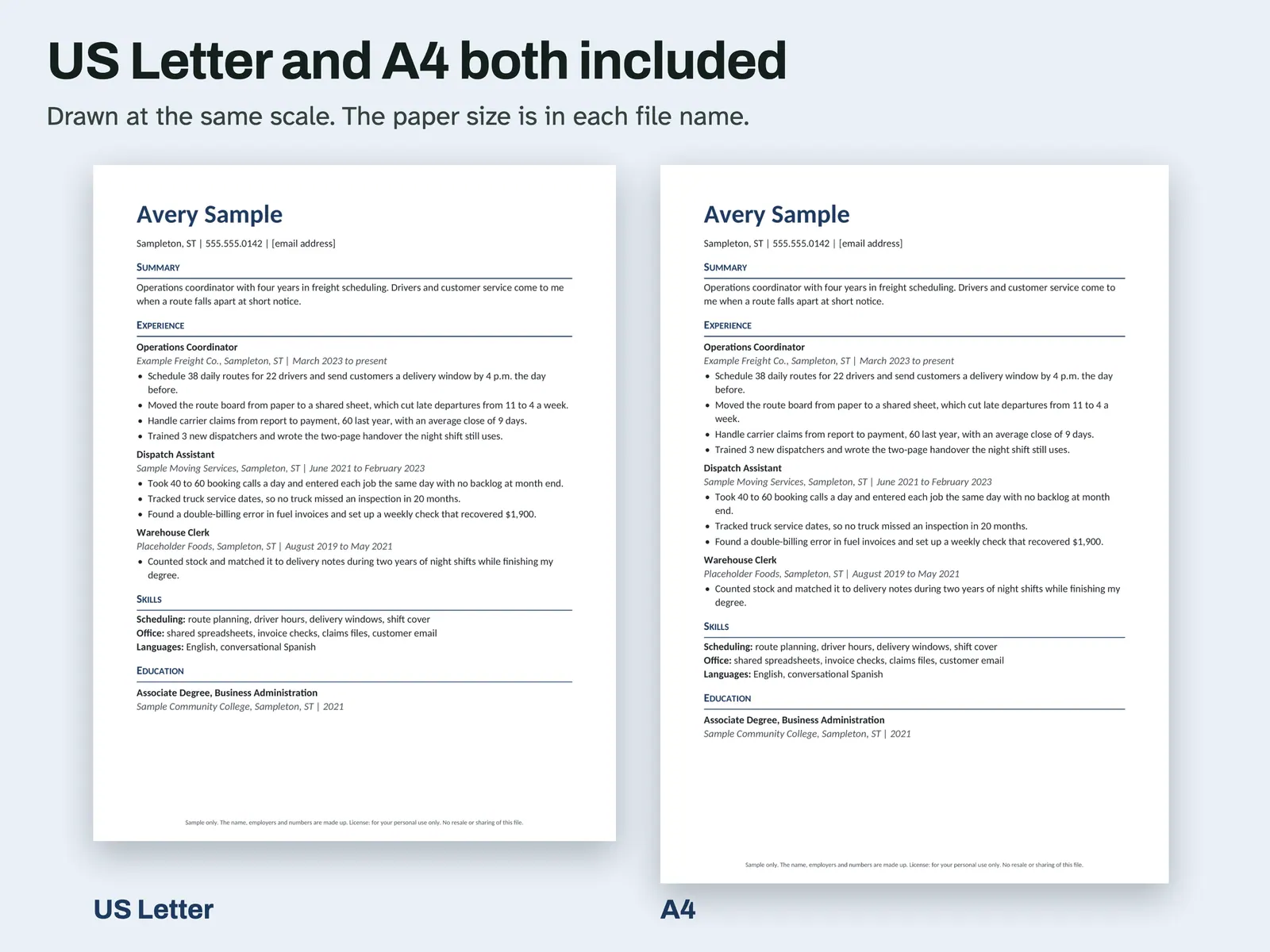
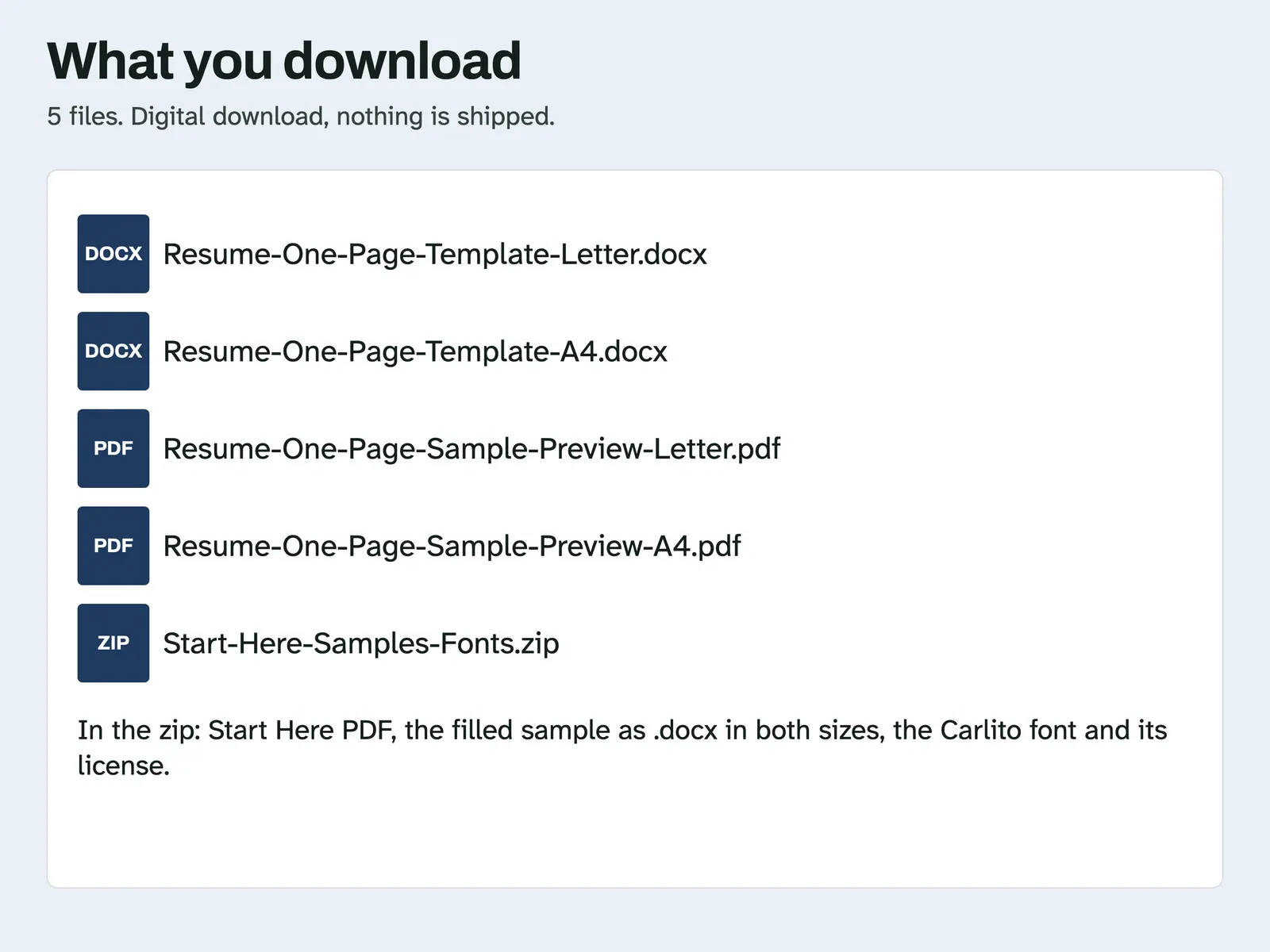
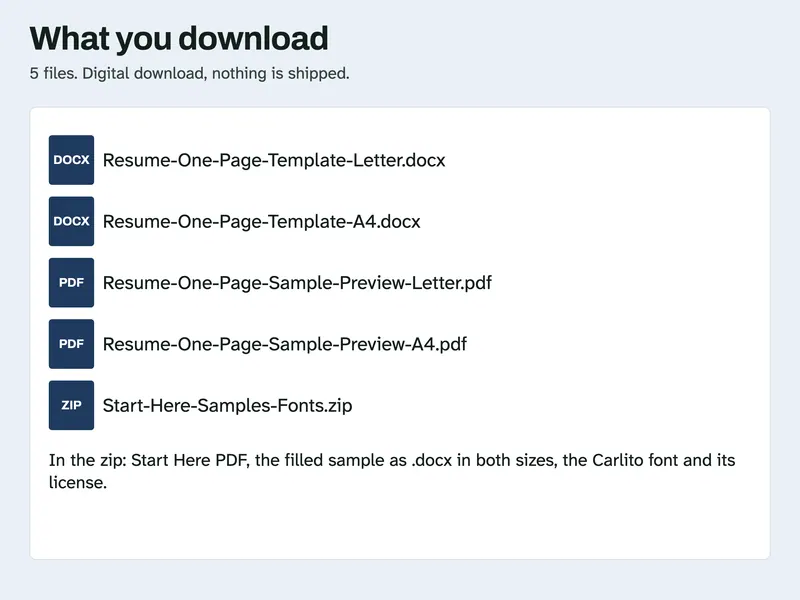
- Resume-One-Page-Template-Letter.docx and Resume-One-Page-Template-A4.docx, the files you type in
- Resume-One-Page-Sample-Preview-Letter.pdf and Resume-One-Page-Sample-Preview-A4.pdf, the filled-in page for a made-up person
- Start-Here-Samples-Fonts.zip: Start Here PDF, the filled sample as .docx in both sizes, the Carlito font files and their license
How it works
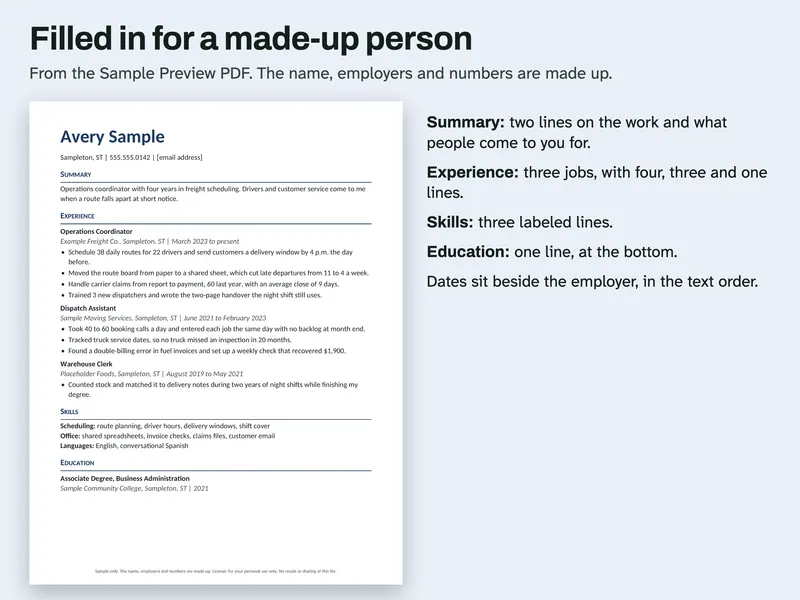
Filled-in sample The Sample Preview page for a made-up person, with Summary, Experience, Skills and Education. 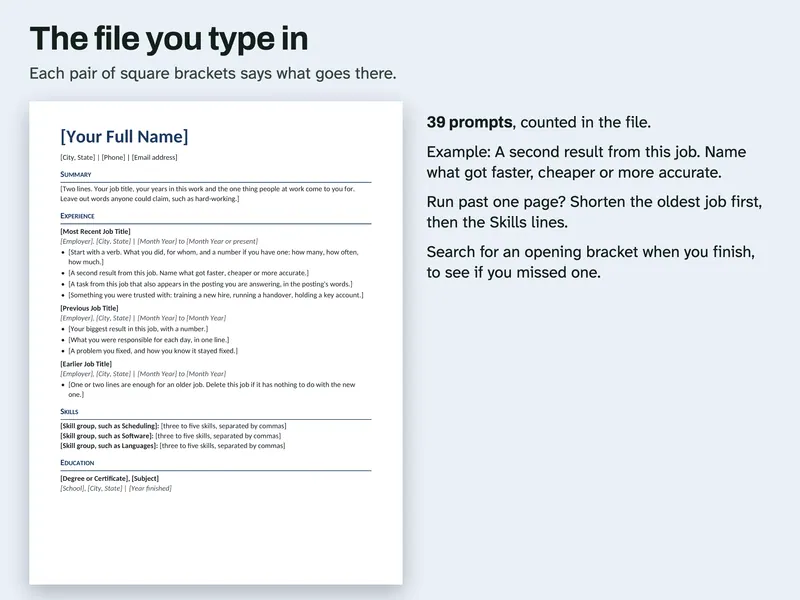
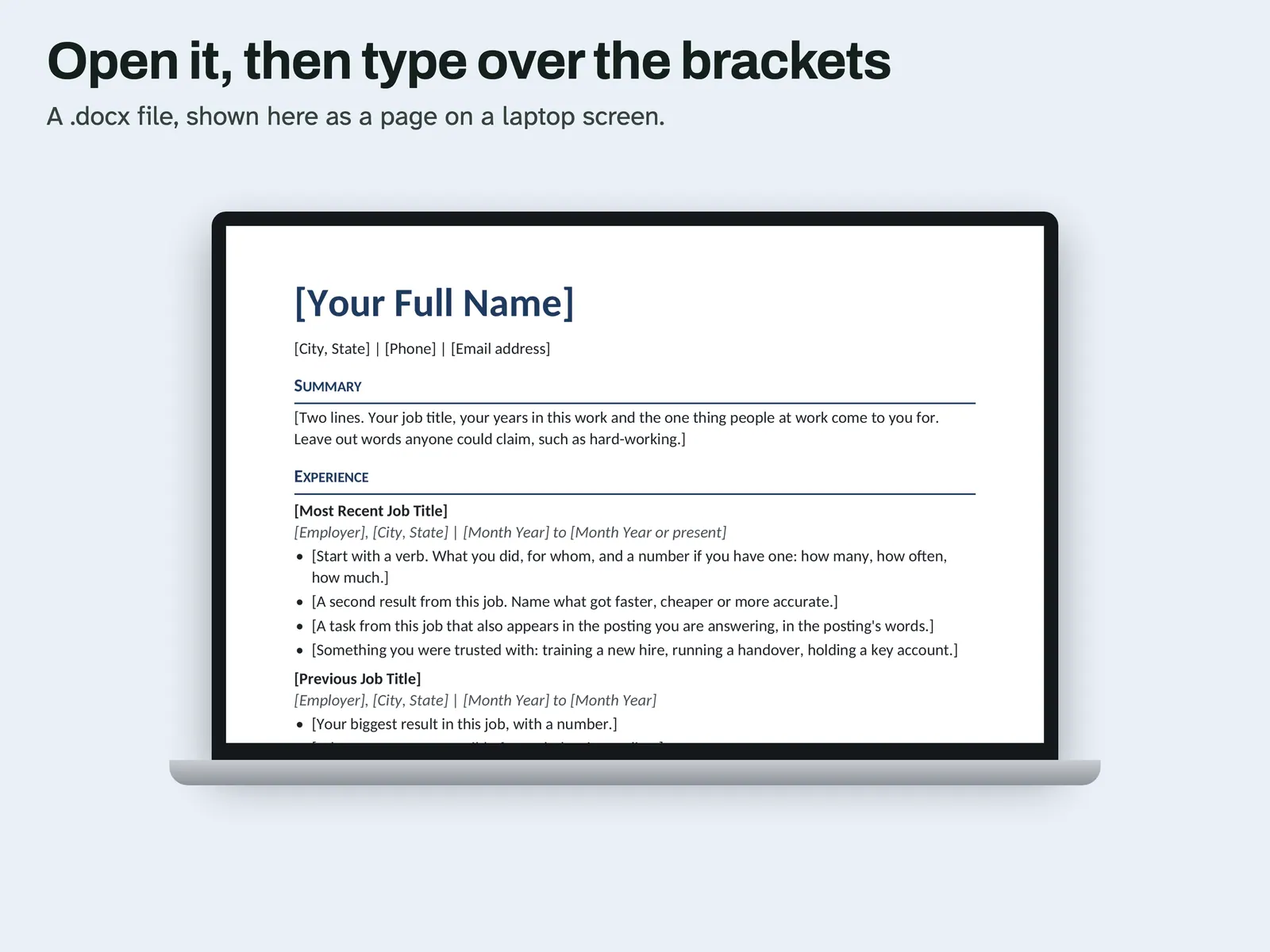
The bracket prompts The file you type in. Each pair of square brackets says what goes there, 39 in all. 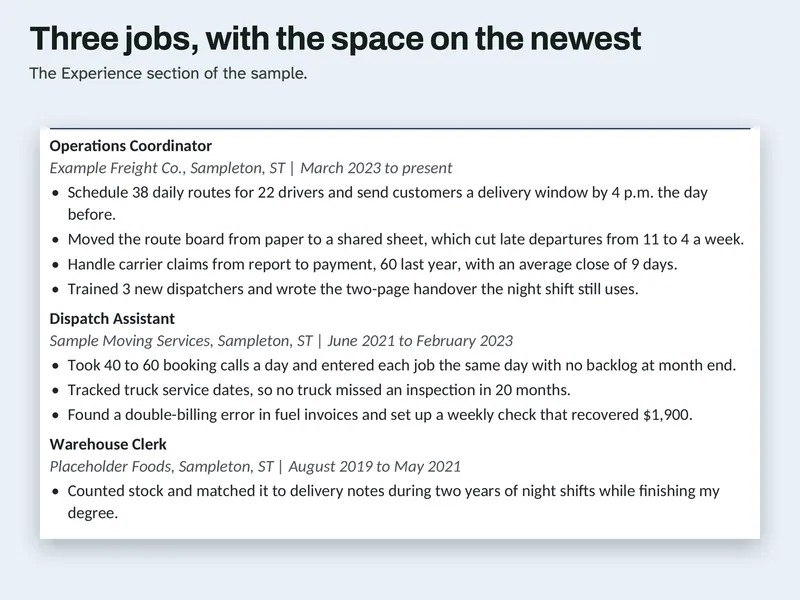
Three jobs, uneven space The Experience section of the sample, with the most lines under the newest job. 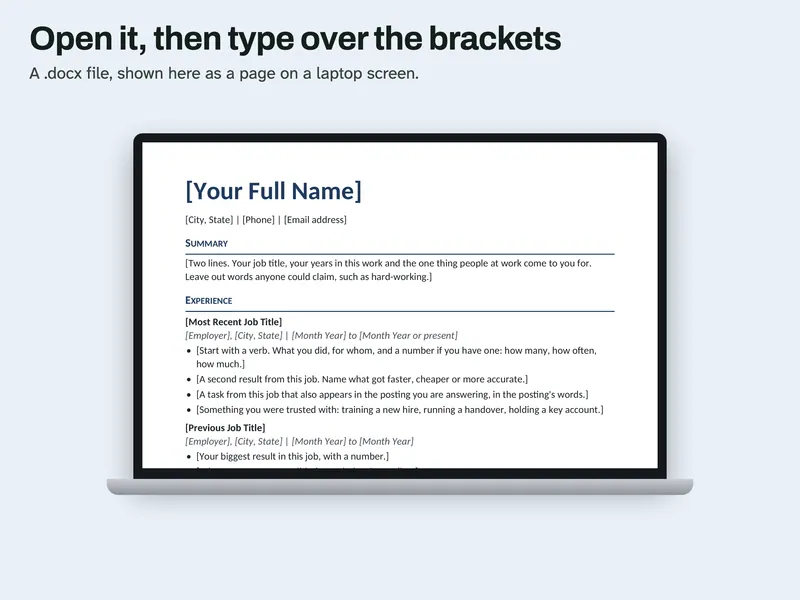
Type over brackets The .docx open on a laptop screen, with the first brackets ready to be typed over. 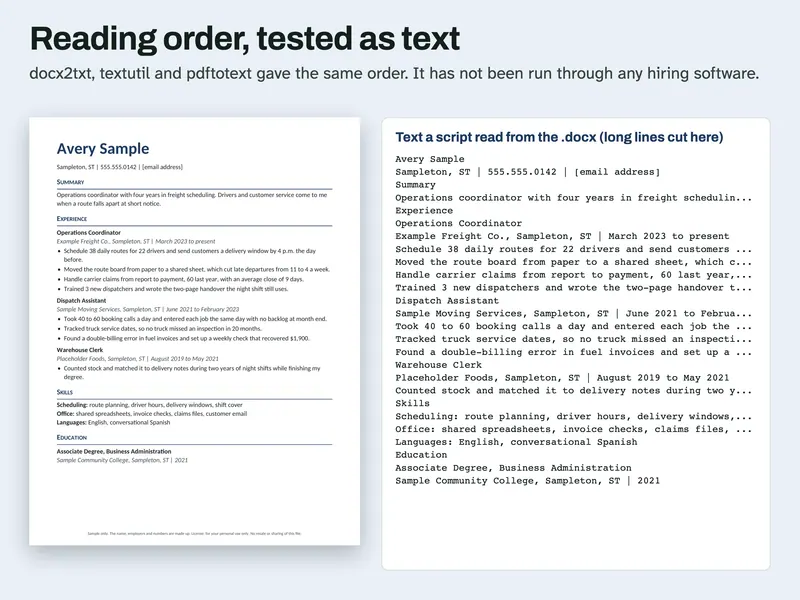
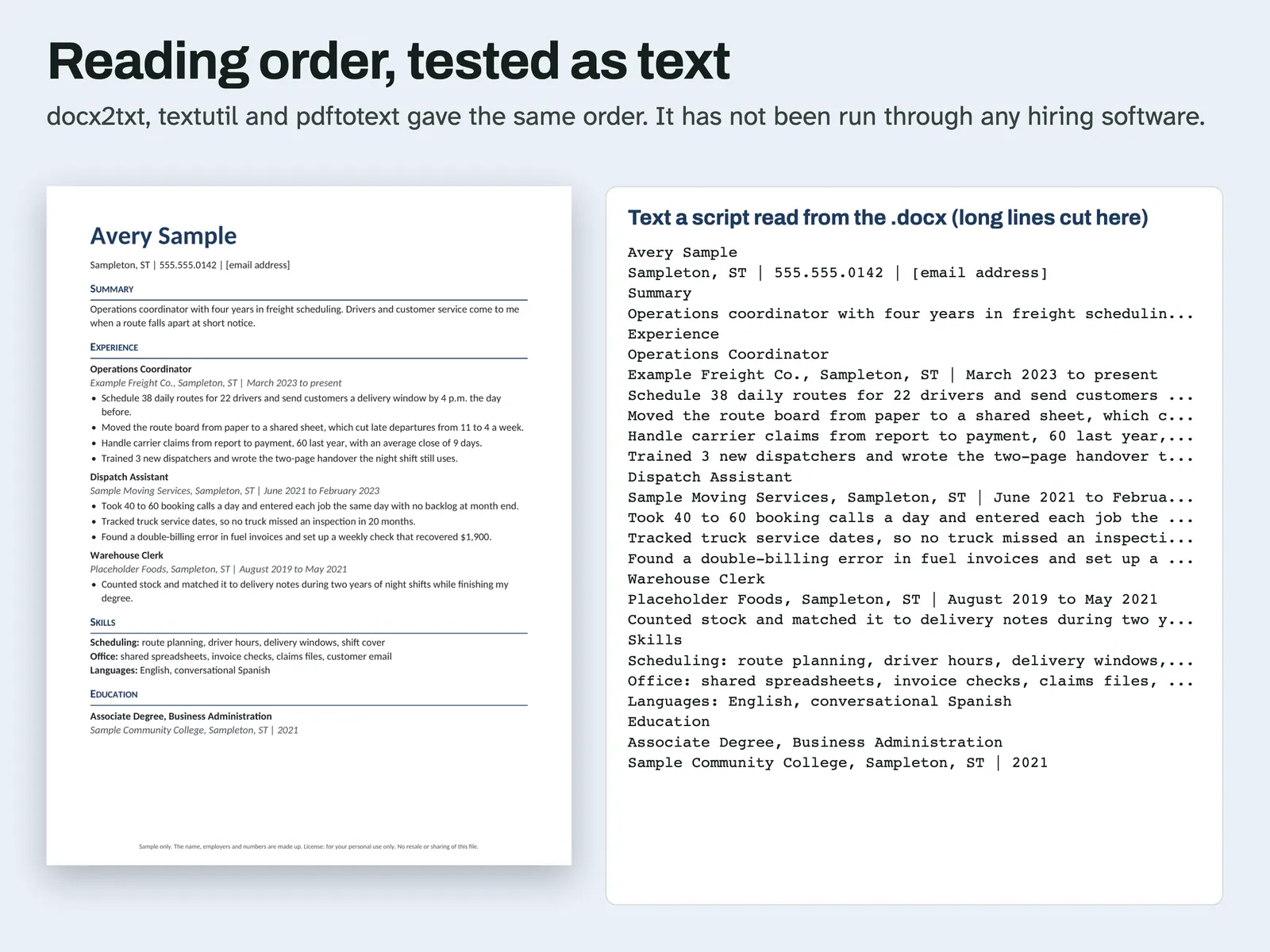
Reading order as text The page beside the text a script read from the .docx. The order matches. It was not run through hiring software.
Compatibility and file formats
A .docx file with ordinary text, heading styles and one column. No tables, text boxes, macros or add-ins. Scripts opened it in LibreOffice 26.8 and read the text with docx2txt, macOS textutil and, after a PDF export, pdftotext. With its font swapped for Liberation Sans or Liberation Serif in LibreOffice, each document stayed on one page. A script also opened this file in Microsoft Word for Mac 16.114.3 and exported a PDF: it stayed on one page and the words came out in the same order as the file. Word used Calibri, Arial or Noto depending on the file and what it could fetch, and no fonts were installed for the test. That test did not type longer text. Google Docs and Pages have not been tried, and no ATS was tested.
Instant download from Etsy · nothing shipped.
Video
Questions
- What if I have ten years of work?
Keep the last three jobs here. Delete the oldest one if it has nothing to do with the job you want.
- It ran onto a second page. What do I cut?
Shorten the oldest job first, then cut the Skills lines to two.
This is a layout with writing prompts. It gives no career advice and cannot promise an interview or a job. The sample person, employers and numbers are made up. License: for your personal use only. No resale or sharing of this file. AI helped write the listing text, the how-to text, the prompts, the made-up sample entries and the code that builds this file. Scripts tested: the file structure (one column, no tables or text boxes, real heading styles), the reading order as text through docx2txt, textutil and pdftotext, the page count in LibreOffice, the page count with the font swapped, and the metadata. No person is claimed to have checked it unless stated here.