Monthly Budget Spreadsheet
If your money plan lives in your head or on a notes app, it is hard to tell where the month went. This workbook gives every month its own zero-based plan: you set the categories once, then each month you log what you spend and the actual column fills in from the transaction log. A paycheck page shows which bills each payday has to cover, sinking funds keep known costs like car repairs or gifts from turning into surprises, and a year dashboard pulls all 12 months onto one page. It has no macros, and a script recalculated it in LibreOffice. You get a filled example to explore and a blank Start Fresh copy for your own numbers. It is a planning and record-keeping tool, not financial advice.
From our listing records. Etsy shows the current price and your local currency at checkout.
Buy on EtsyScripts recalculated this file in Excel for Mac 16.114.3 and LibreOffice. Excel for Windows, older Excel versions and Google Sheets have not been tried.
Instant download from Etsy · nothing shipped
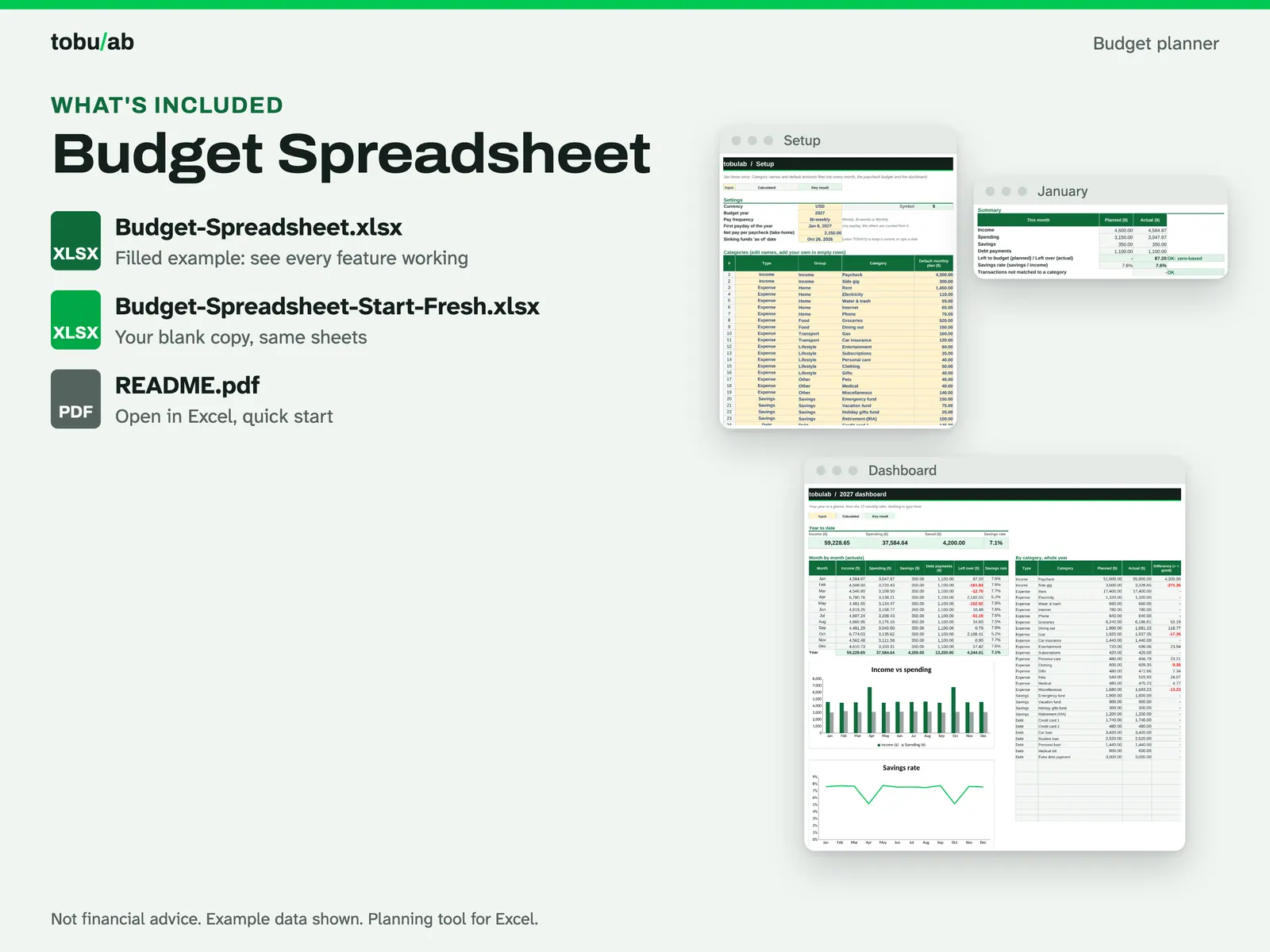
What's included
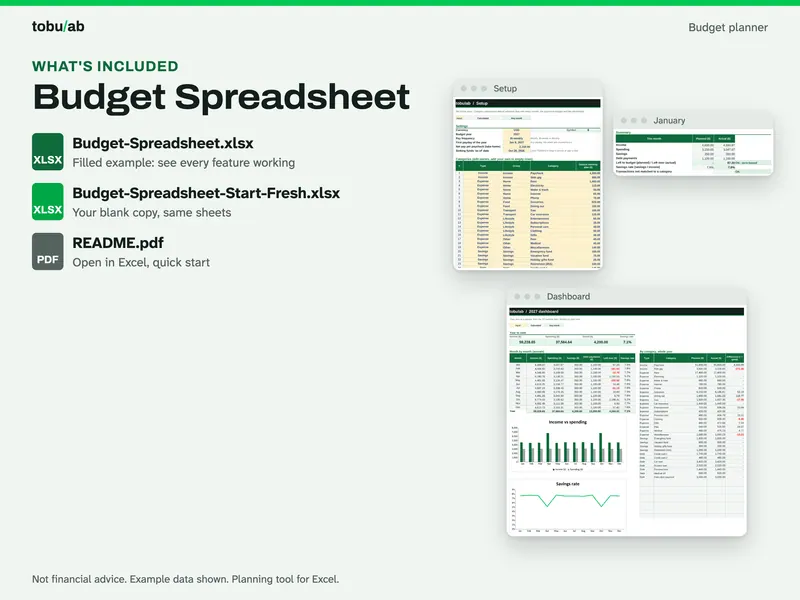
- Budget-Spreadsheet.xlsx: filled example showing every feature working
- Budget-Spreadsheet-Start-Fresh.xlsx: your blank copy with the same sheets
- README.pdf: how to open it in Excel or LibreOffice, plus a quick start
How it works
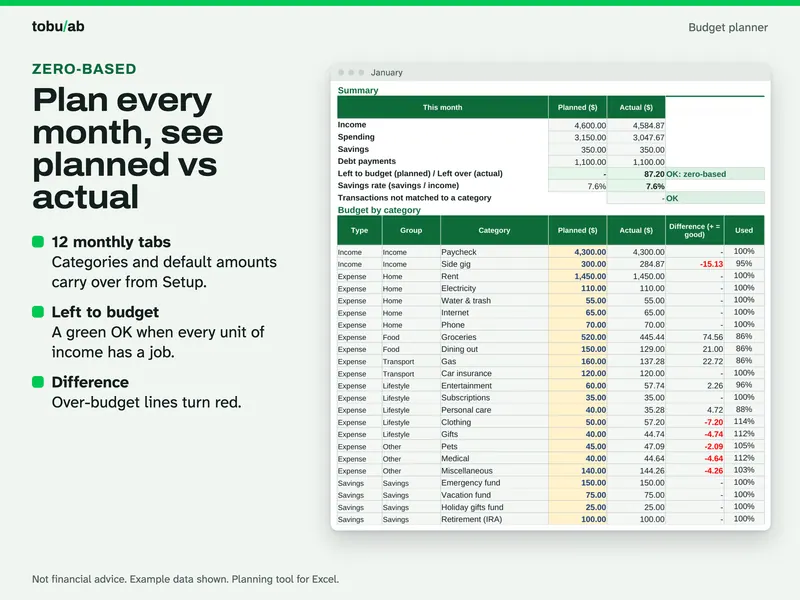
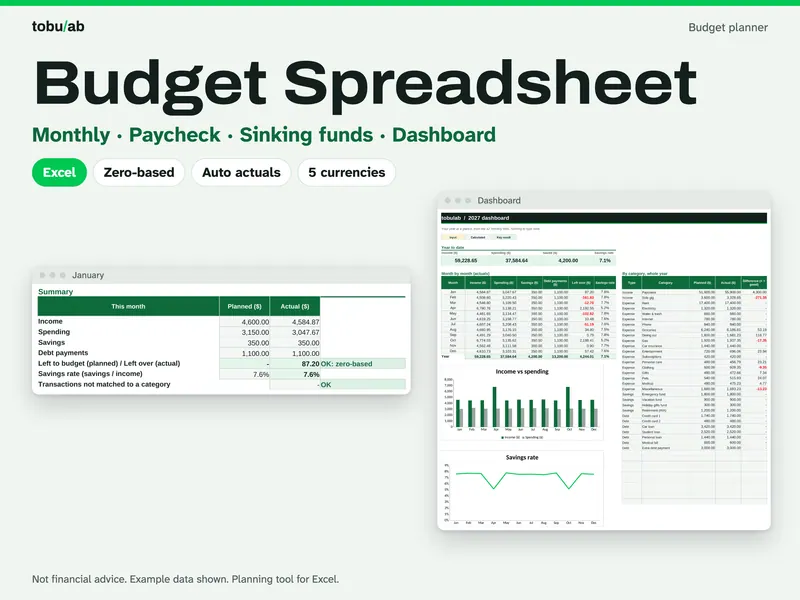
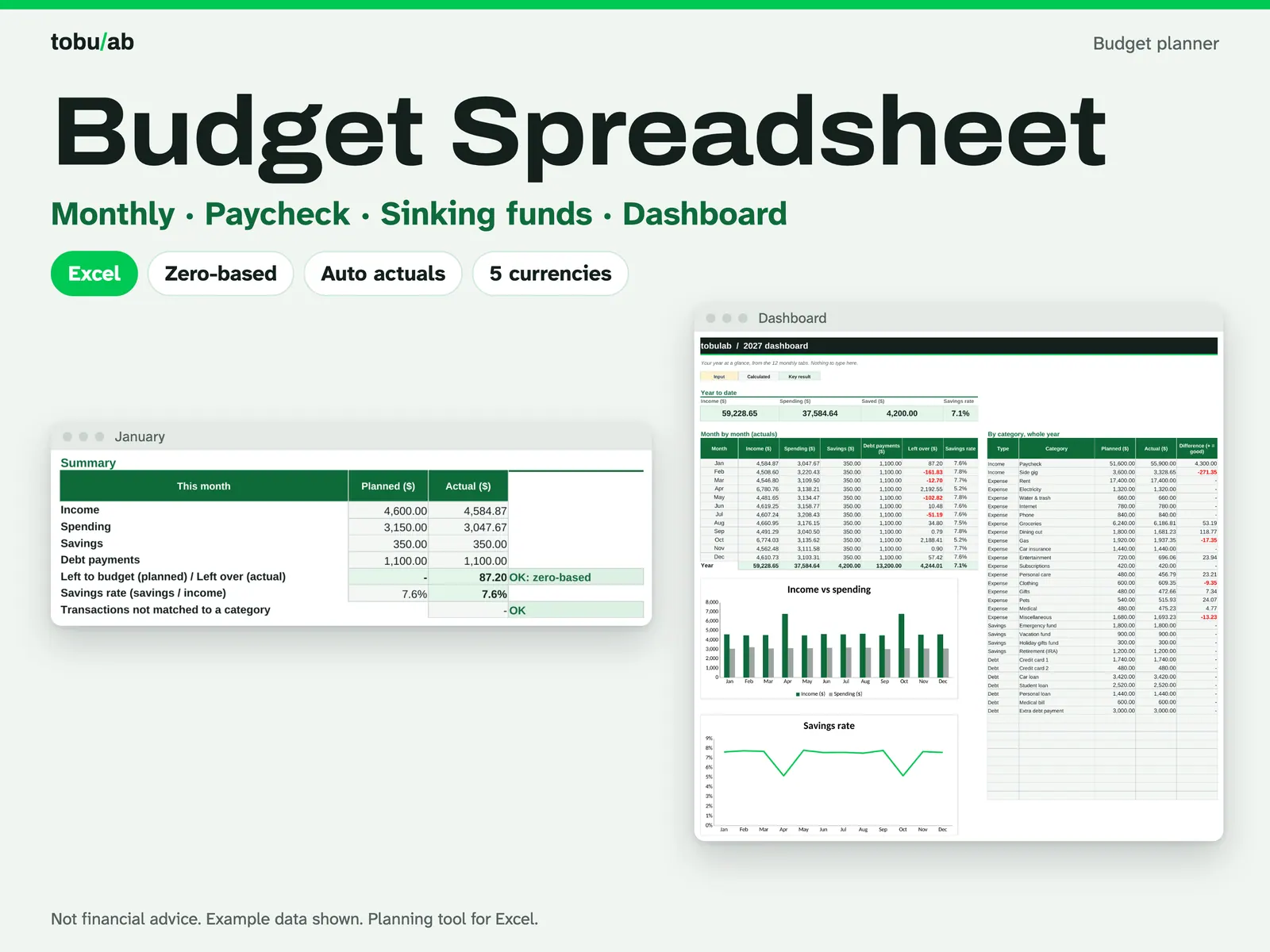
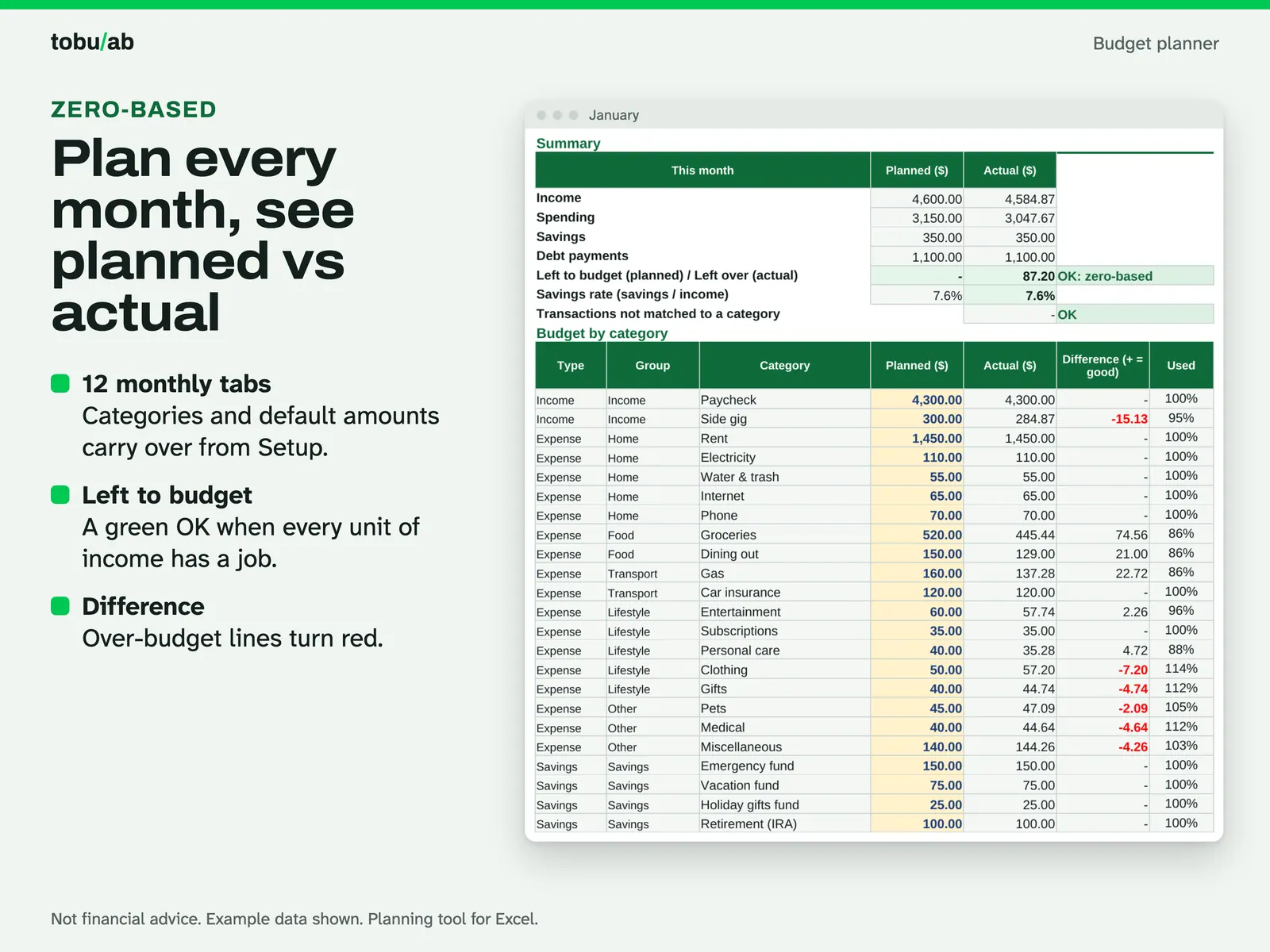
Plan every month to zero A monthly tab: planned vs actual for income, savings and debt payments, with an "OK: zero-based" check and the savings rate. 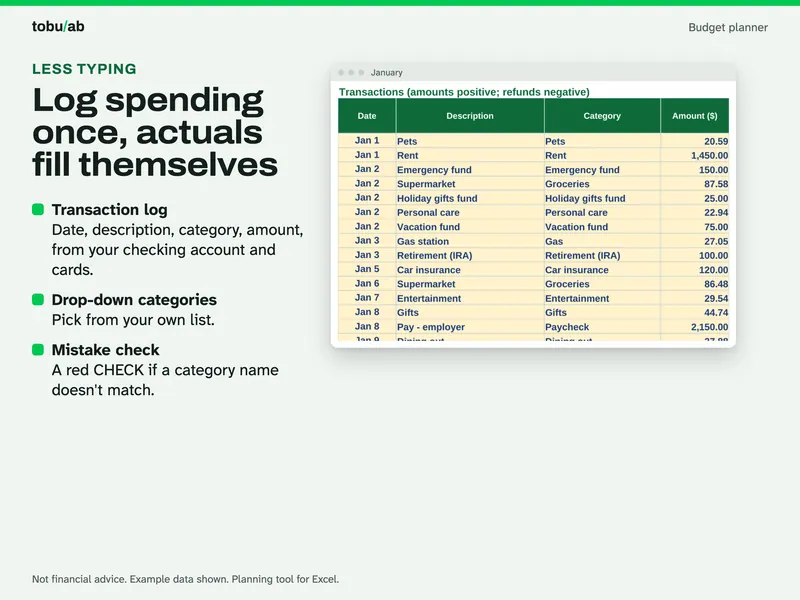
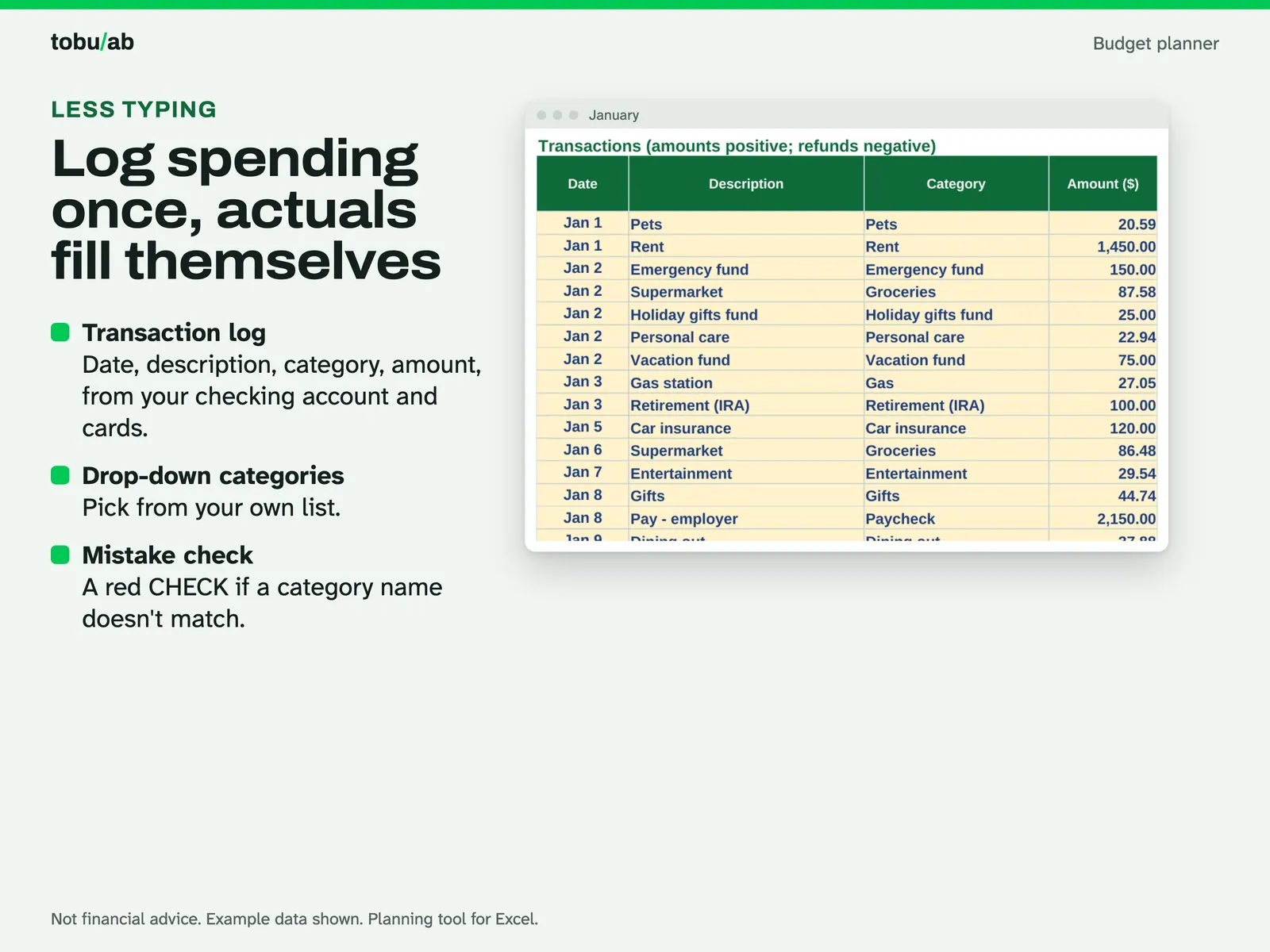
Log spending once The January transaction log: date, description, a category from the drop-down and the amount. A red CHECK appears if a category name doesn't match. 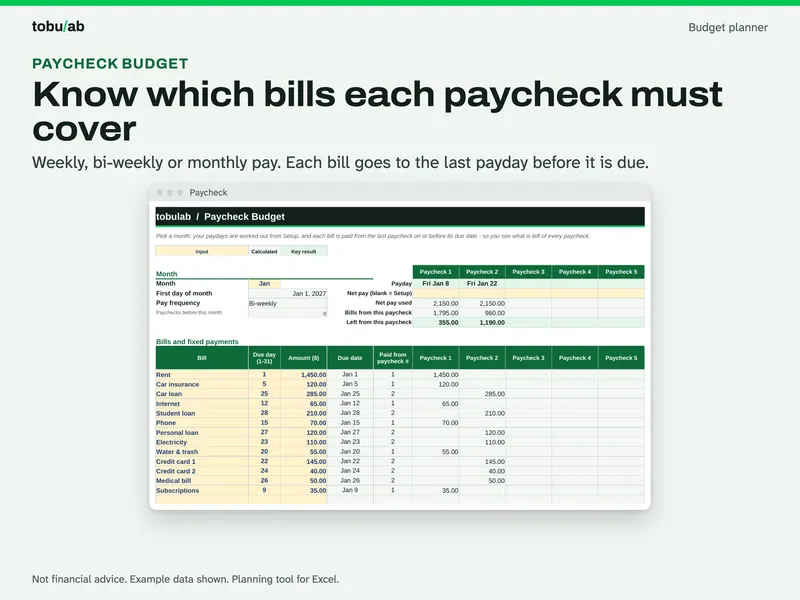
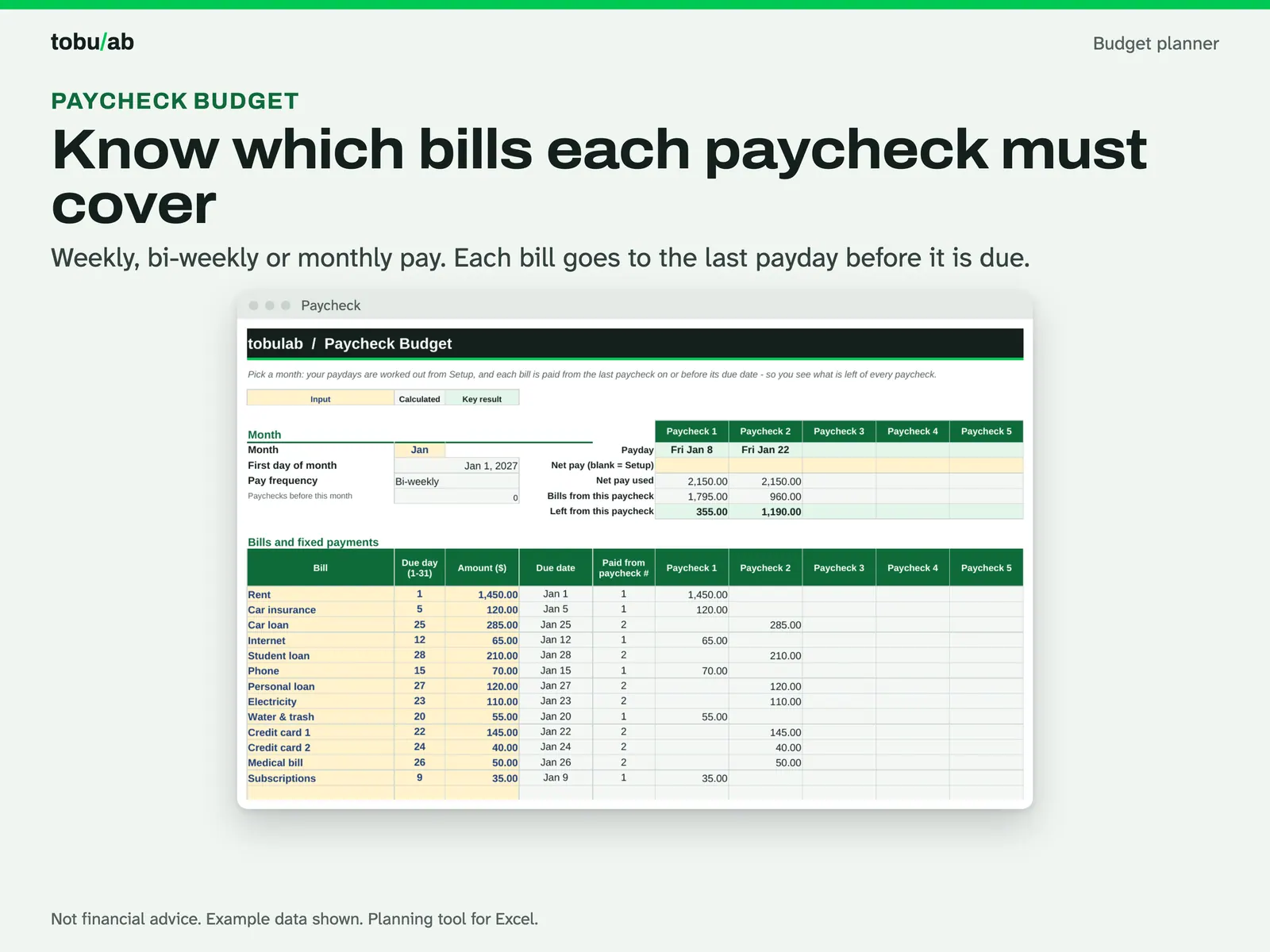
Match bills to paychecks The paycheck budget for a bi-weekly example: each bill is paid from the last paycheck on or before its due date, so you see what is left of every paycheck. 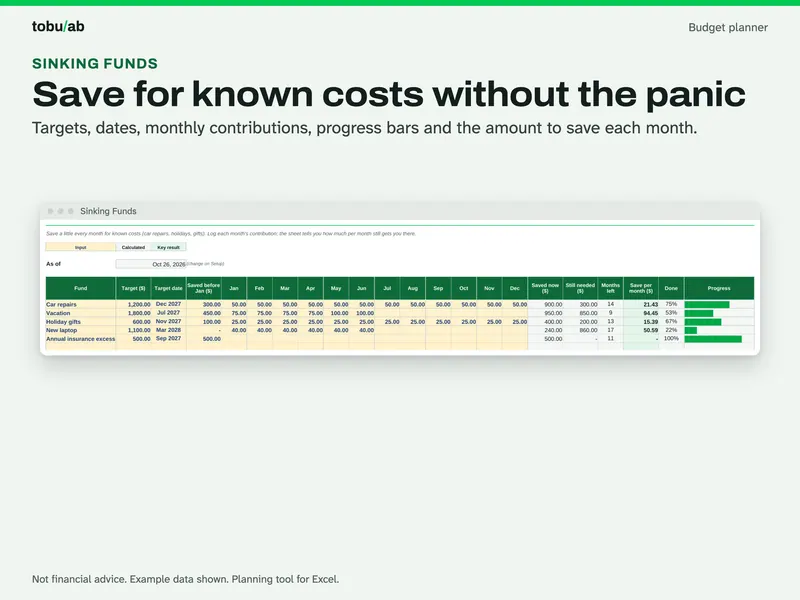
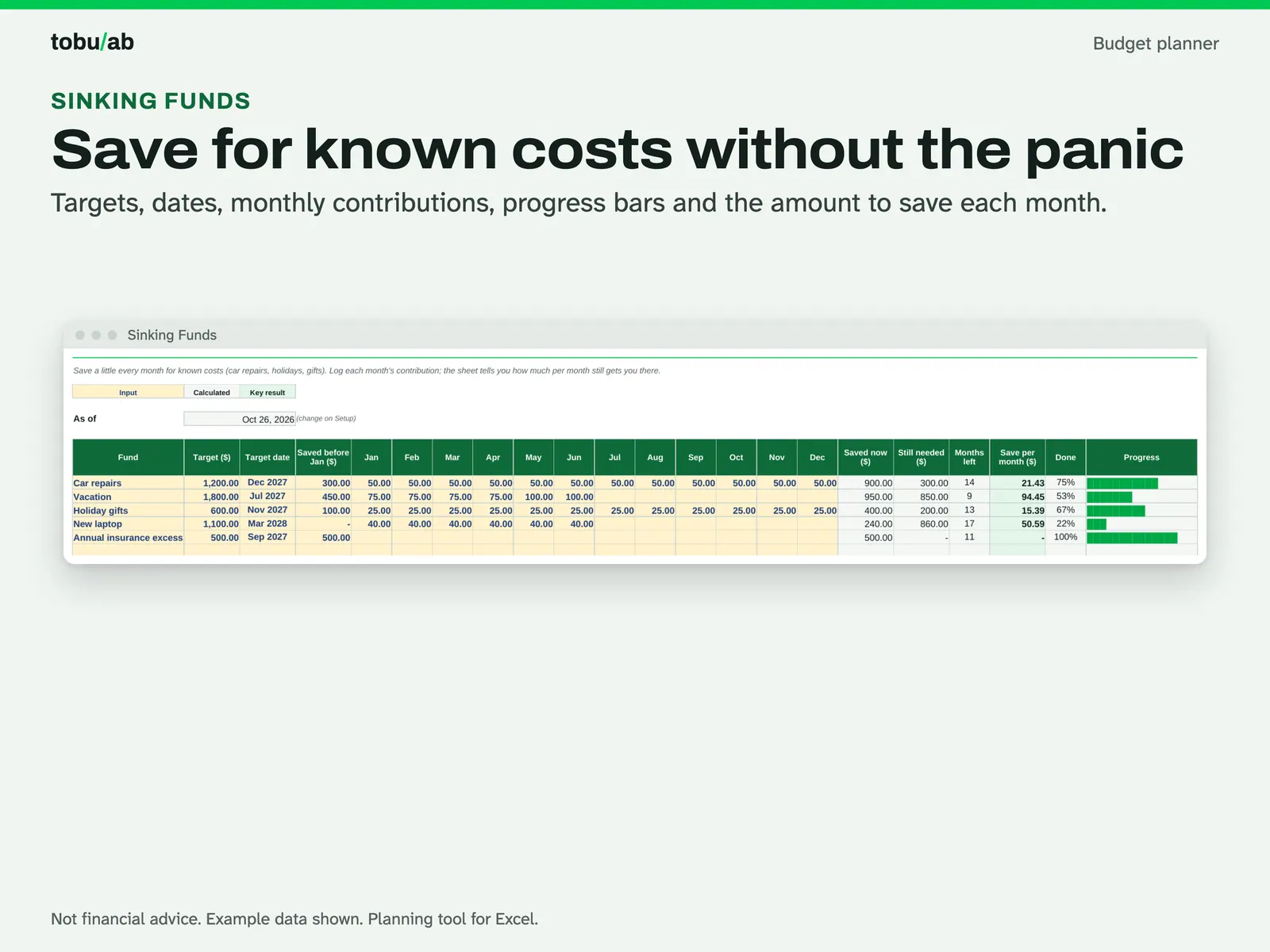
Save for known costs Sinking funds with a target, date and monthly contributions for goals like car repairs; the sheet shows how much per month still gets you there. 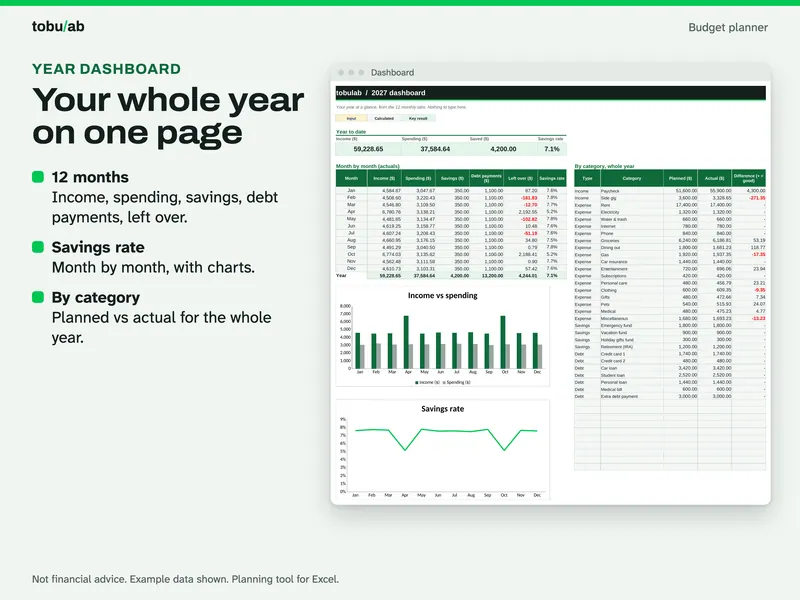
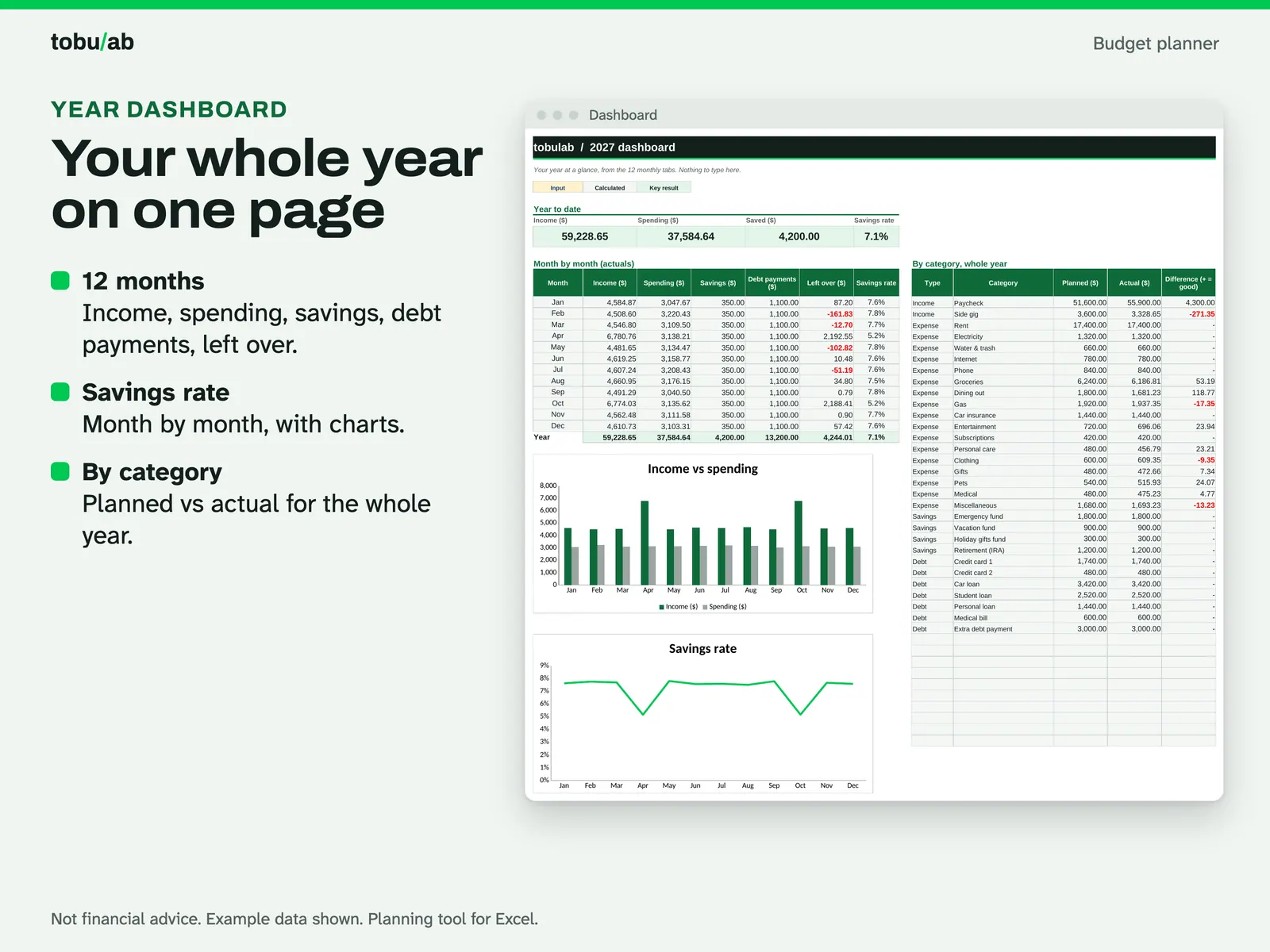
See the year at a glance The year dashboard: income, spending, savings, debt payments, left over and savings rate month by month, filled from the 12 monthly tabs.
Compatibility and file formats
Scripts recalculated this file in Excel for Mac 16.114.3 and LibreOffice. Excel for Windows, older Excel versions and Google Sheets have not been tried.
Instant download from Etsy · nothing shipped.
Video
Questions
- Can I use my own currency?
Pick USD, GBP, CAD, AUD or EUR on the setup sheet; the symbol updates in the headers. Amounts are plain numbers, so any other currency works too.
- Is the example data real?
No, it is made-up example data so you can see every feature. Use the Start Fresh copy for your own numbers.
- Refunds?
Digital files can't be returned once downloaded. If a file doesn't open or something looks wrong, message us and we will fix it.
Planning tool, not financial or tax advice.
Related
Also included in these bundles:
-
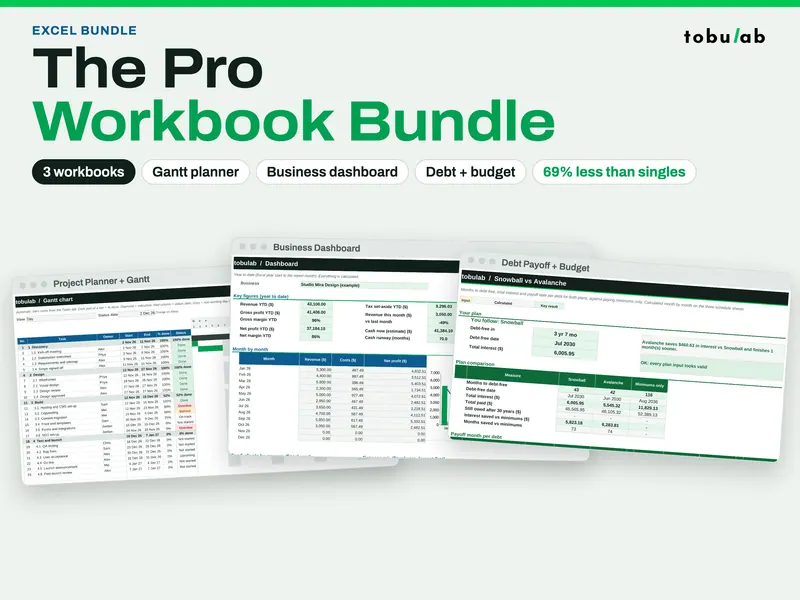
Pro Spreadsheet Bundle (Gantt, Dashboard, Budget + Debt)
Seven workbooks in one download: Gantt planning, business dashboards, debt payoff and budget
$6.49 on Etsy -
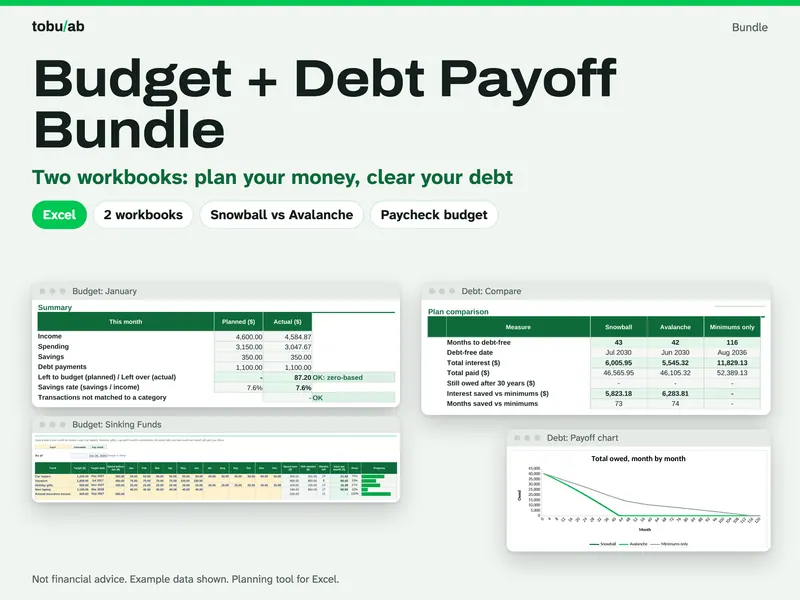
Budget + Debt Payoff Bundle
A full-year budget and a snowball vs avalanche debt plan that work together
$3.09 on Etsy